
 JDirectItems Fleamarket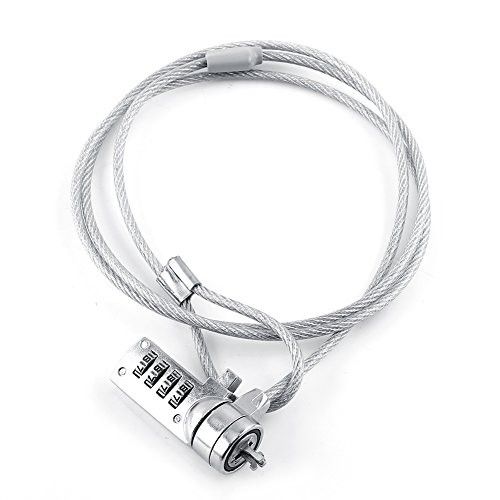


Product Detail
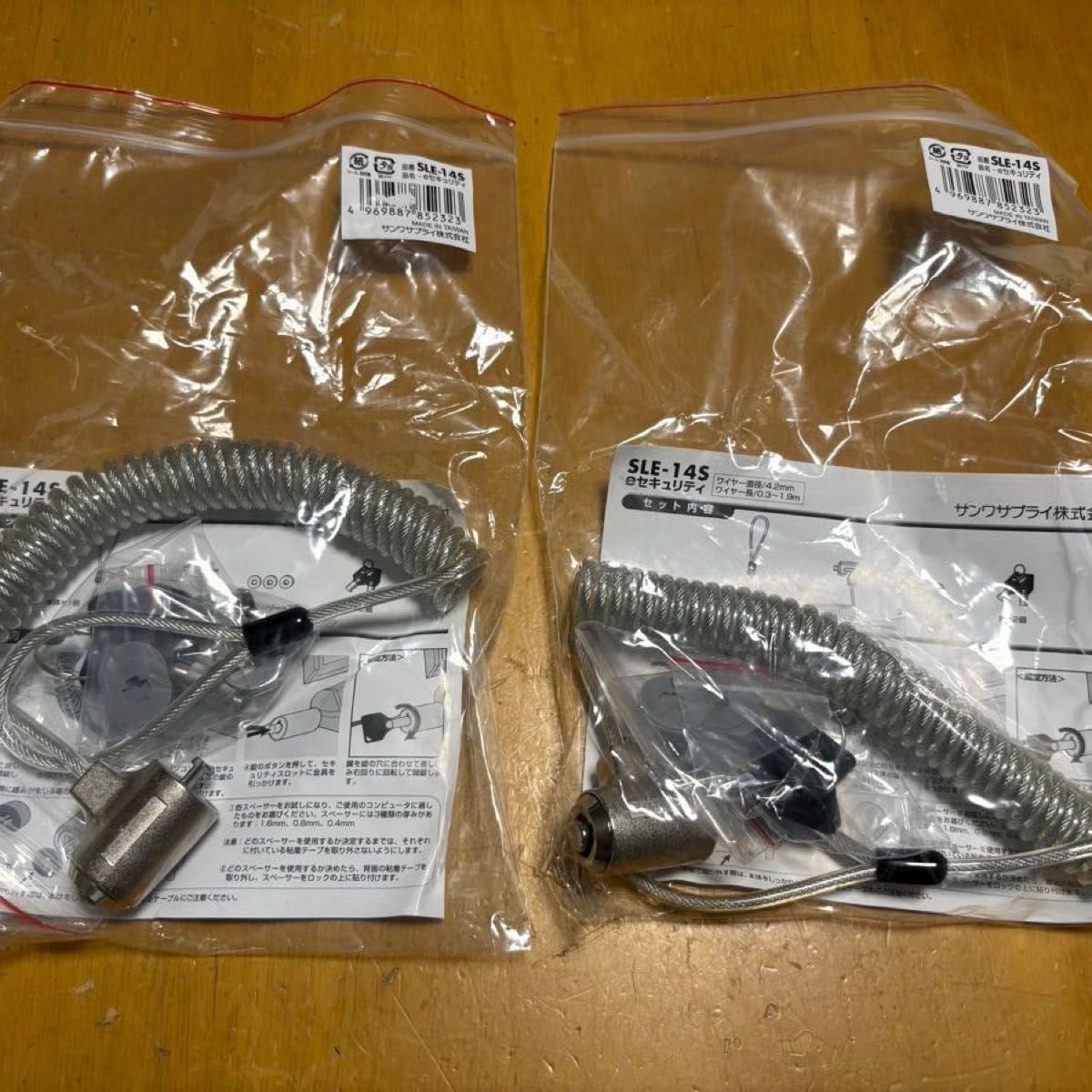
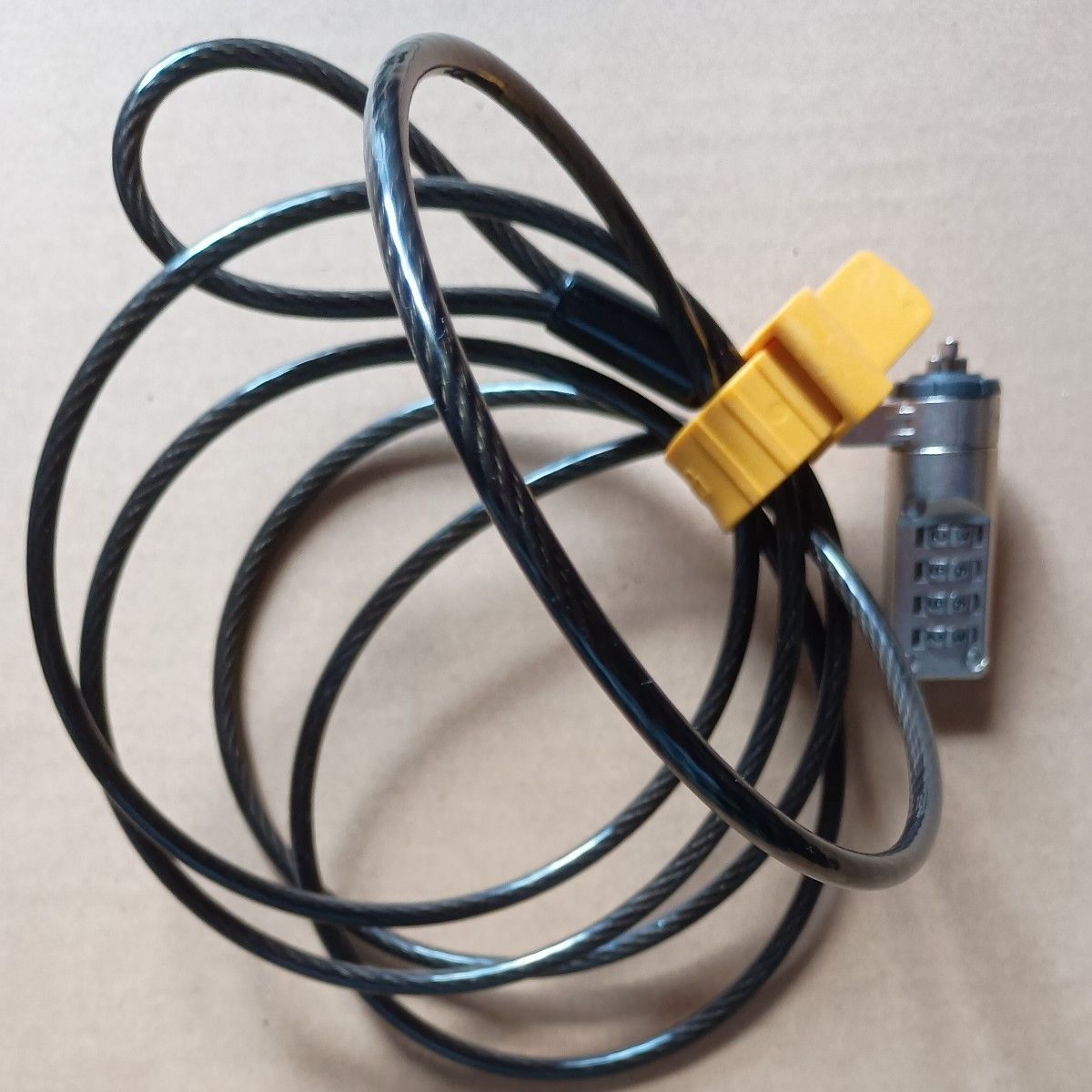
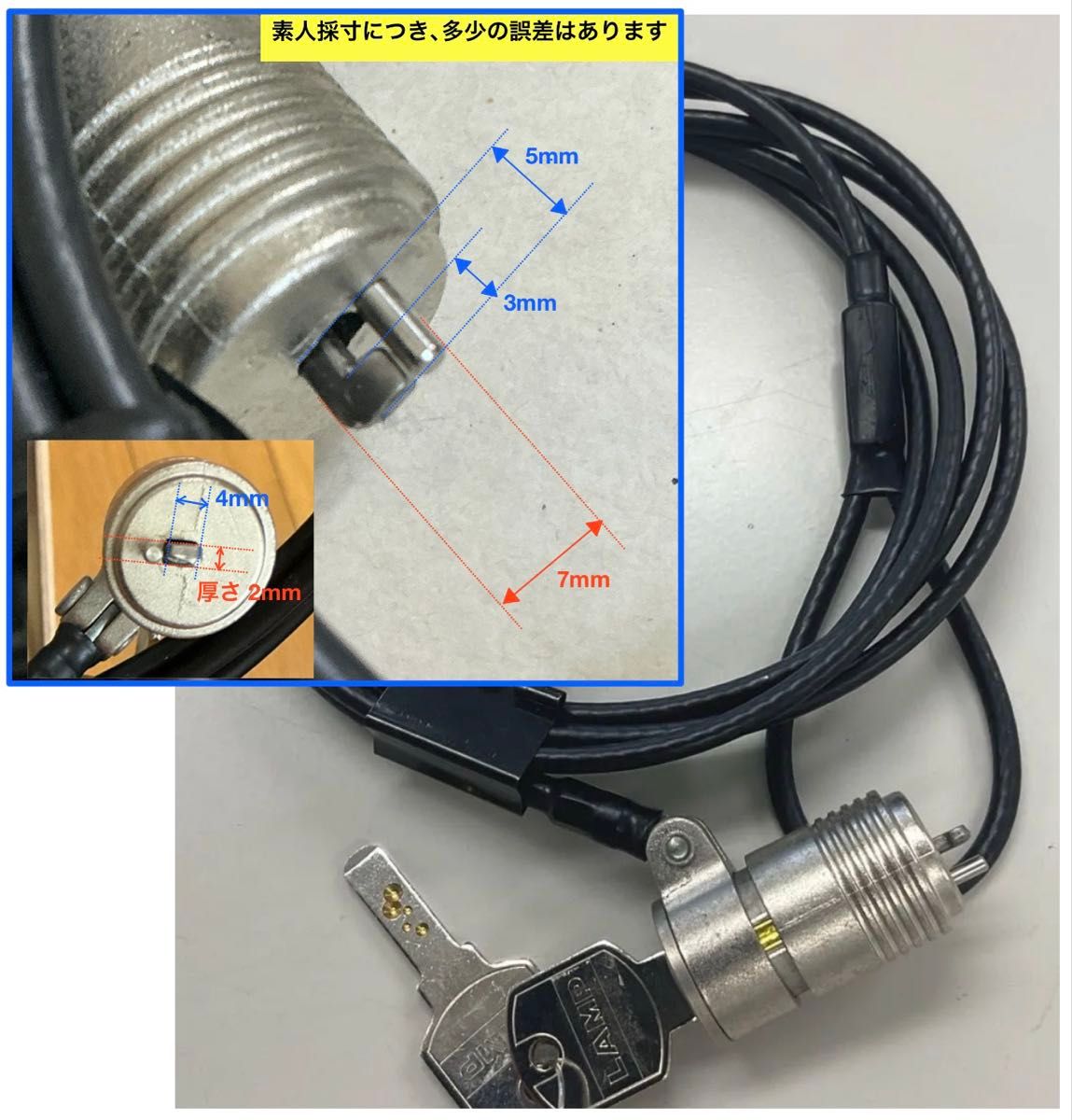
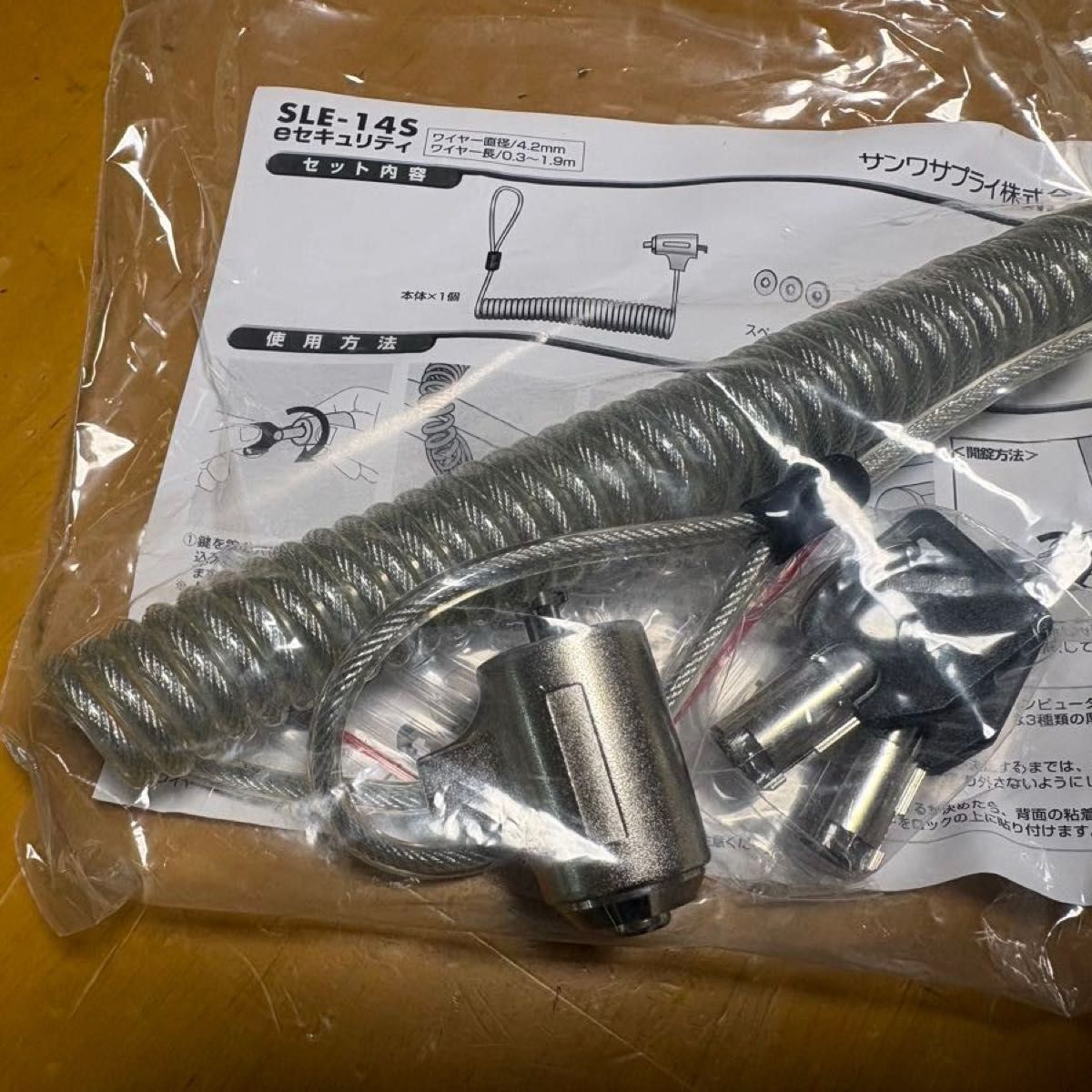
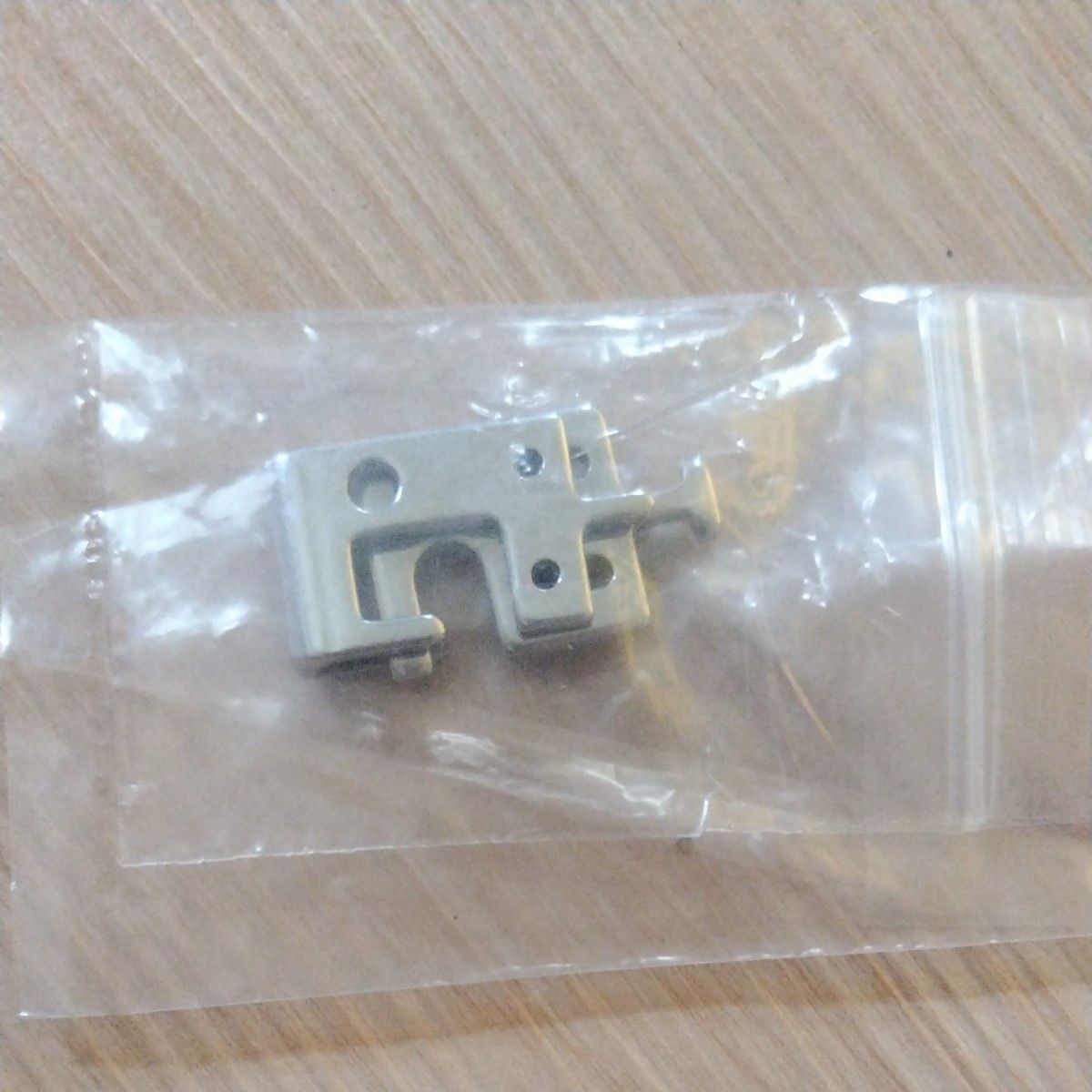
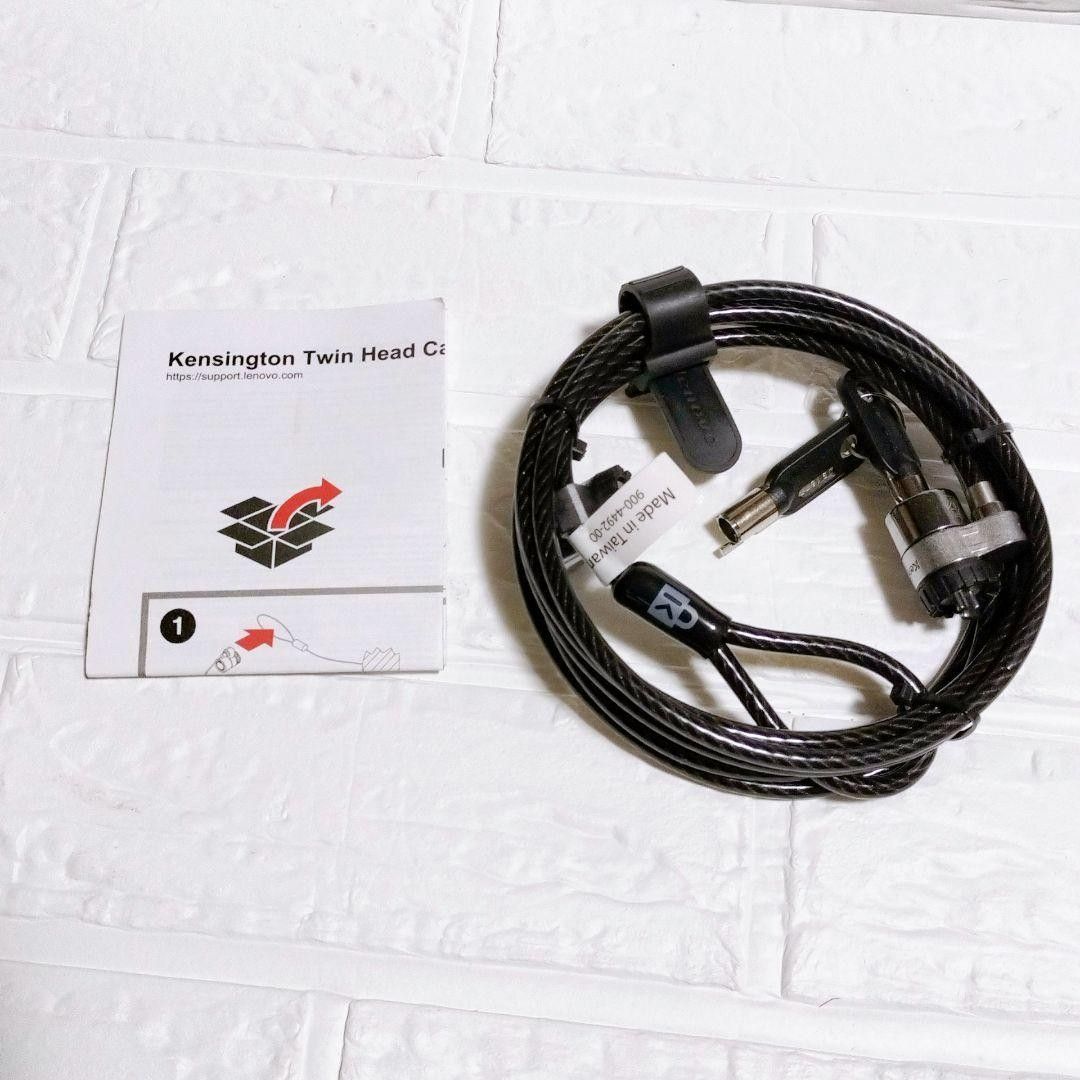
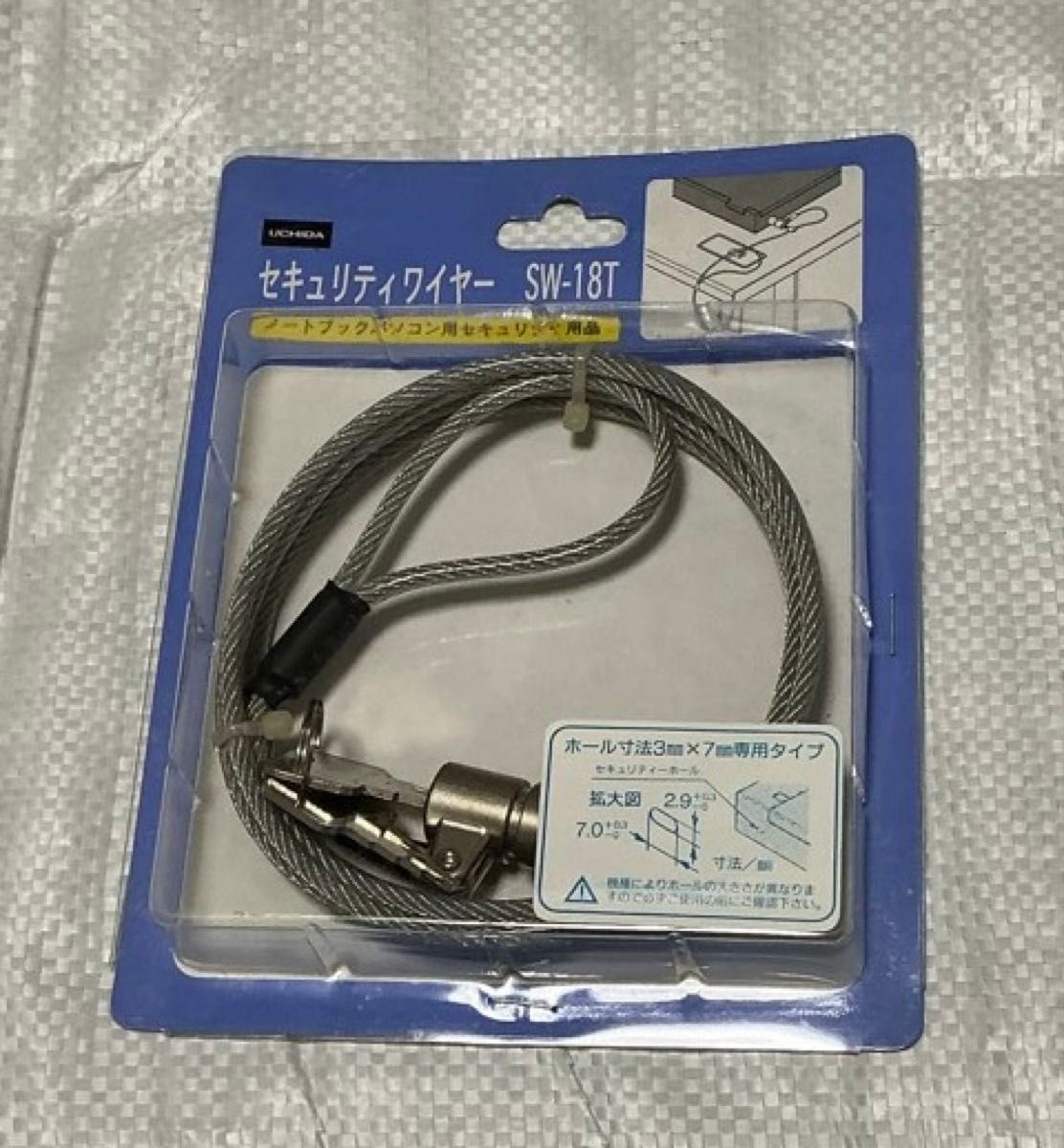
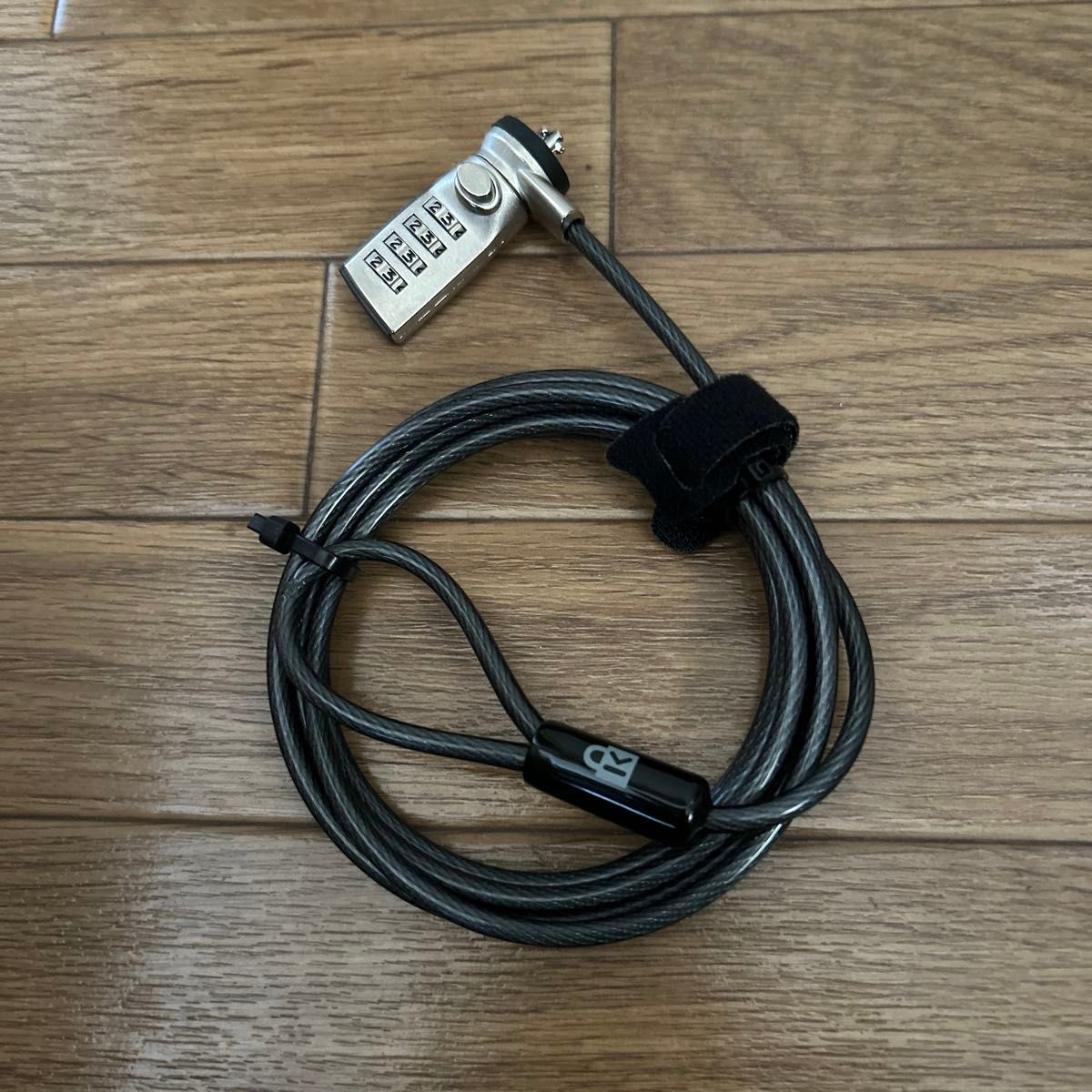
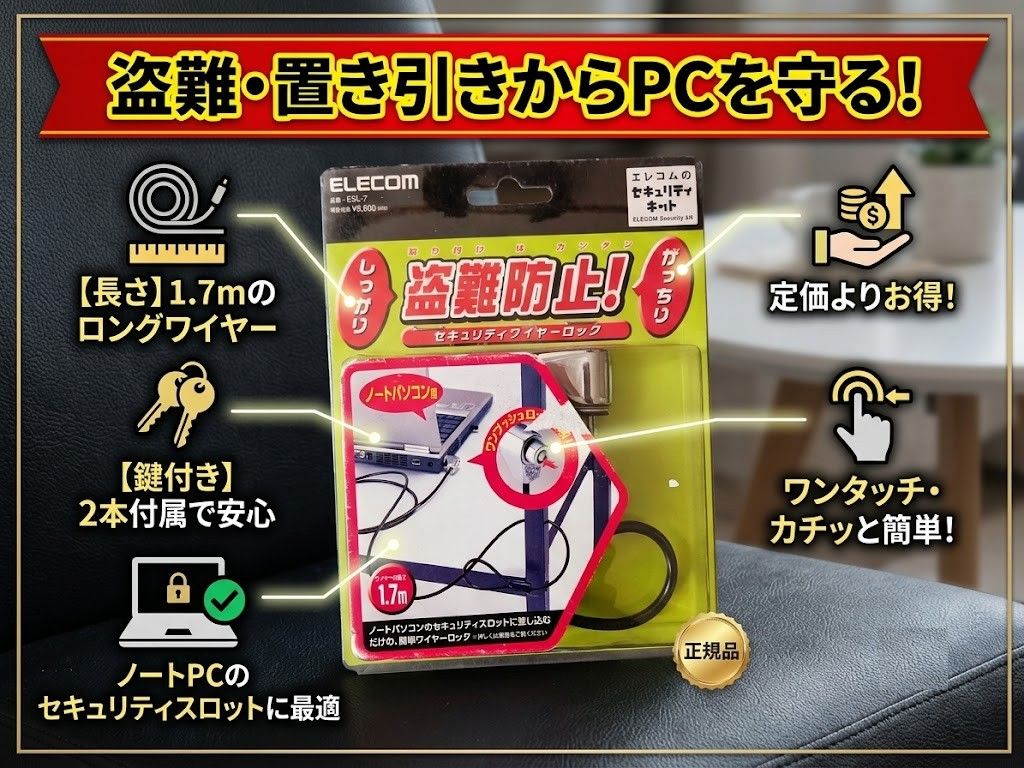
セキュリティロック セキュリティワイヤーケーブル コンビネーションセキュリティ セキュリティワイヤー ノートパソコン用セキュリティワイヤーロック 盗難防止 ノートパソコンPC用 コンビネーションロック 【パソコンの盗難対策】ノートパソコンやデスクトップパソコン、液晶モニタ、タブレットなどの盗難を防ぐことができるグッズです。セキュリティスロットなど、端末そのものに取り付けて、物理的に盗難を不可能にします。「ワイヤーロック」や「セキュリティワイヤー」とも呼ばれます。 【使い方】取り付け部品をパソコンの背面、または横部分に開いている穴(ケンジントンロックスロット)に取り付け、机や椅子、柱などできるだけ動かない場所にセキュリティワイヤーをしっかり巻きつけてロックすると完了です。 【適用範囲】PCの盗難にはもちろん、マウスやテンキーなどの周辺機器も一緒にロックできます。液晶やプラズマディスプレイのほか、CRT、プリンタなどの盗難防止に使用することができます。手持ちのパソコンにセキュリティスロットが付いていることを確認してから購入しましてください。 【パスワードの変更方法】:1.正しいパスワードを選択します(デフォルトのパスワード:0000)。 2.リセットボタン(パスワードの横にある[切り替えない]ボタン)を押し続けます。 3.パスワードを変更し、リセットボタンを放します。 パスワードを注意深く書き留め、ロックが正しく機能することを確認してください。 【品質保証】 お客様が安心して満足して買うことができ、商品を使用して安心感、満足感を持ち、長く使用することを目指しております。万が一、不都合や弊社ミスによる不良や破損、サイズ違い等ございましたら、メールにてご連絡の上、着払いにてご返送ください。速やかに交換させて頂きます。
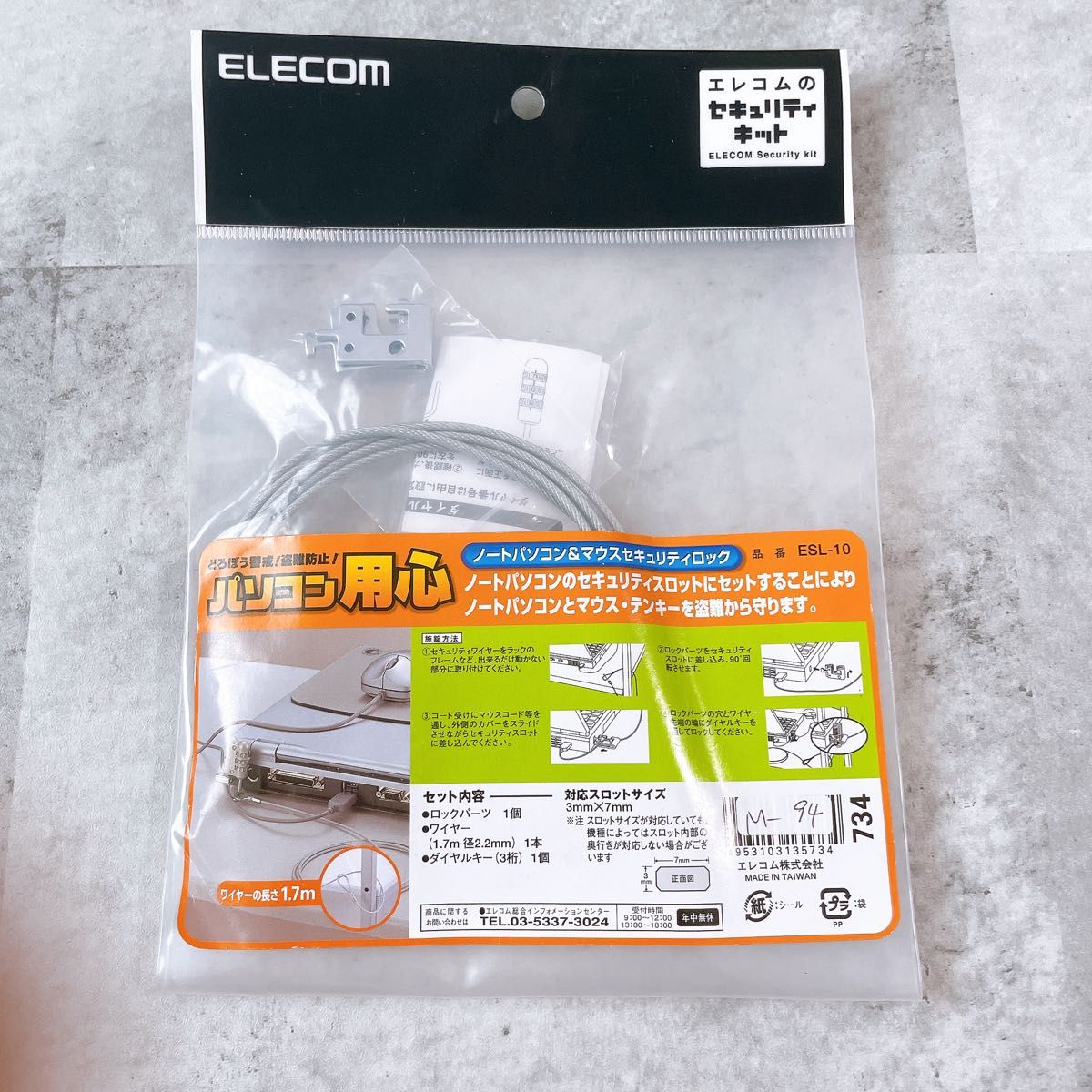
![[Unused] Notebook PC & Mouse Security Lock ESL-10 Series ESL-10](https://static.jpfinds.com/managed/catalog-products/0f9e9b03fcf743cb91629ec81c754a41551c1336429f8c9016d1bf796659fad2.jpg)
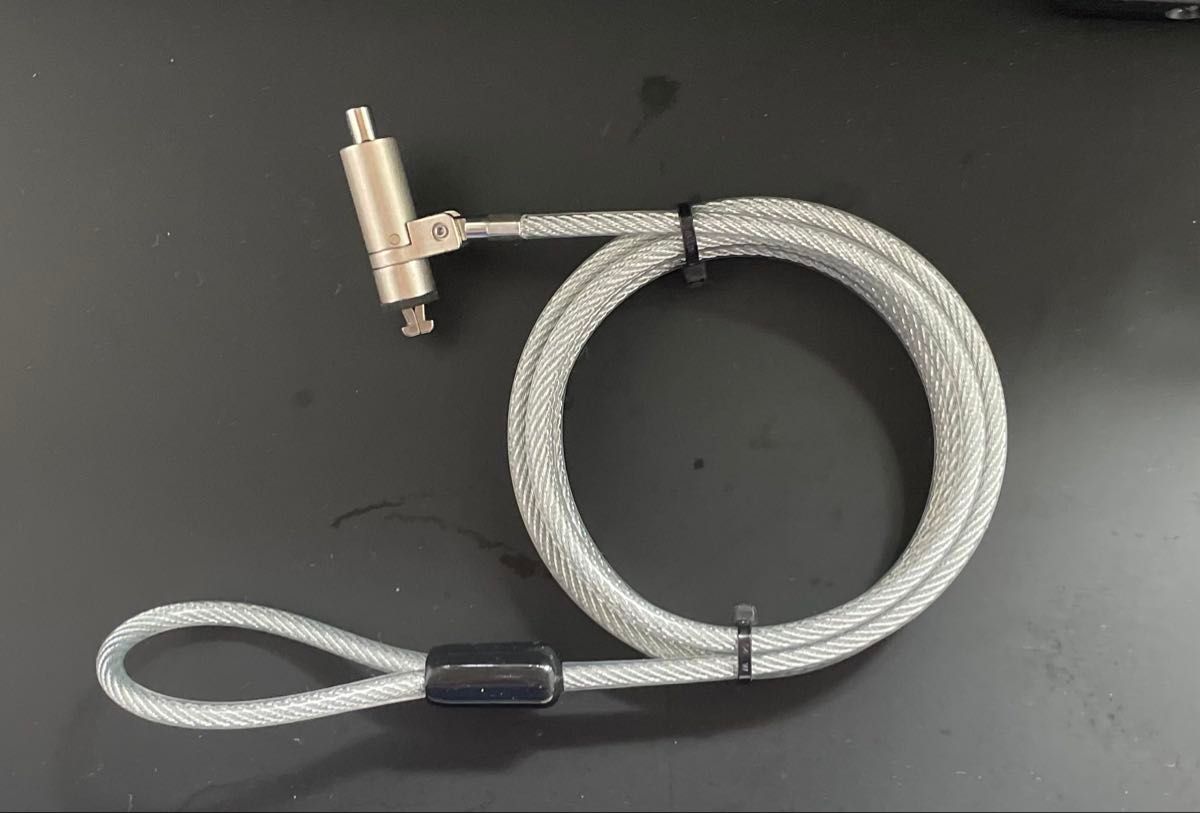
![[Buffalo] cylinder lock type wire lock Nano](https://static.jpfinds.com/managed/catalog-products/eecb17e21900453903eb686763f684cd8264632c236222498aff3eebd4b241ac.jpg)